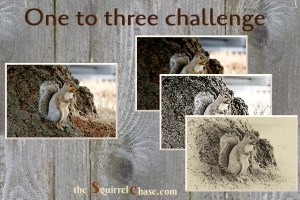
The original. I prepared these 1-2-3 pics a couple of weeks ago and forgot to note down the editing filters I used. So here they are, without any comments. One-to-Three Photo Processing Challenge
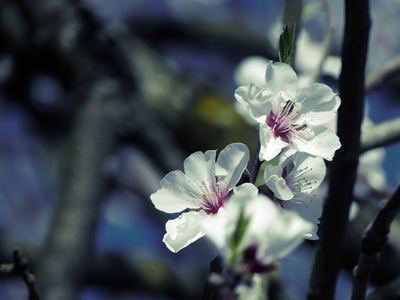
The original. I prepared these 1-2-3 pics a couple of weeks ago and forgot to note down the editing filters I used. So here they are, without any comments. One-to-Three Photo Processing Challenge
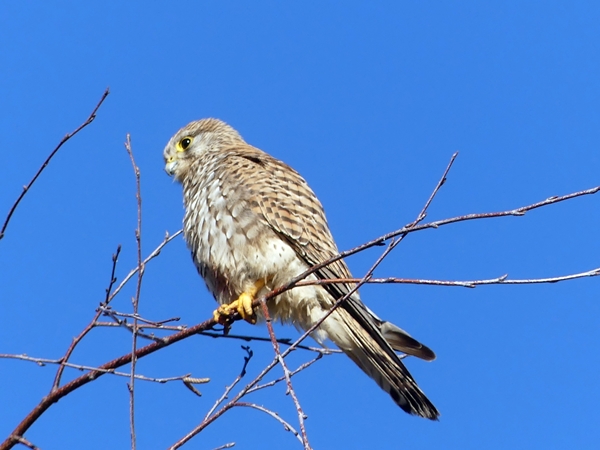
The original (click to enlarge) One-to-Three Photo Challenge in March

The original. Just a touch lighter than the original and a bit of fiddling with contrast etc. (done with Photoscape). The obvious choice for two castles and a medieval tower: sepia (done with Photoscape). Metallic sheen, notably copper: Lomo (done with Lunapic). A filter called … Continue reading Quiet Reflection on a Sunday Afternoon

The original photo. The pastel drawing filter (photoscape) applied to the periphery. Focused on the yellow leaf. Water colours filter (photoscape) applied to the whole photo. I lightended the whole photo and added contrast. One-to-three Photo Challenge in November

This photo of an East coast sunflower (or beach sunflower) needed a bit of light and a bit of bright. On the left is the “auto level” filter from photoscape, on the right is my manual attempt to add crispness to the photo. On the … Continue reading Sunflower Variations

One-to-three Photo Challenge in September

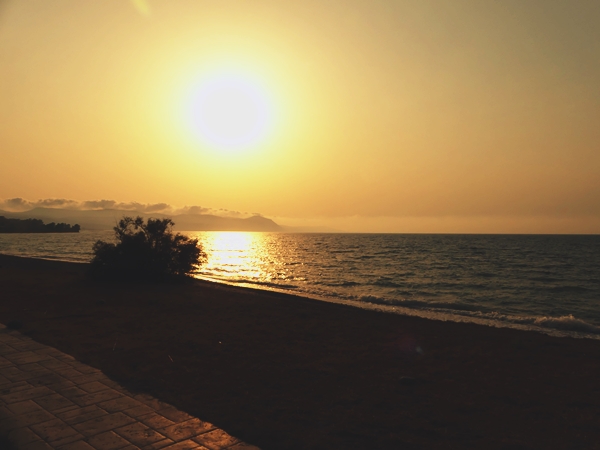
Photoscape filter yl2 applied,

Photoscape CT4 filter applied.
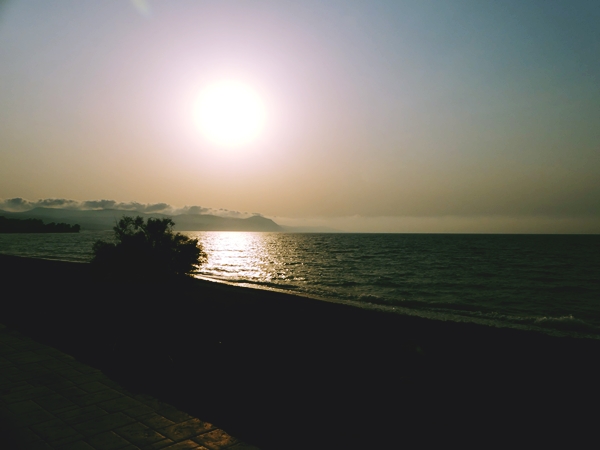
Photoscape CT4 filter applied.

Photoscape cross-process filter applied.
One-to-three Photo Processing Challenge July
.
.
.
.
.
.
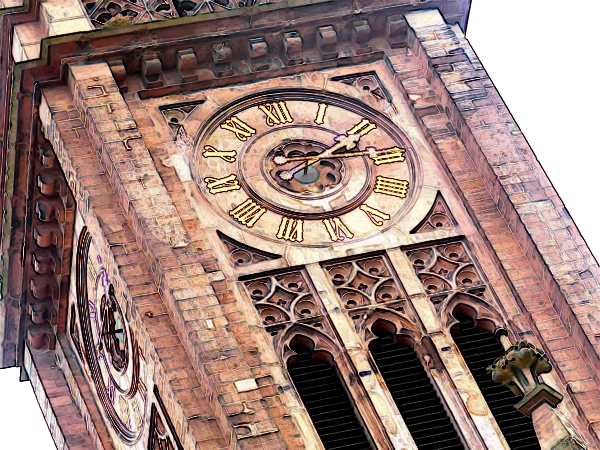
of the Lutherkirche in Ludwigshafen. Original and water colour pencil Original and colour engraving Original and coloured pencil One-to-three Photo Editing Challenge in June
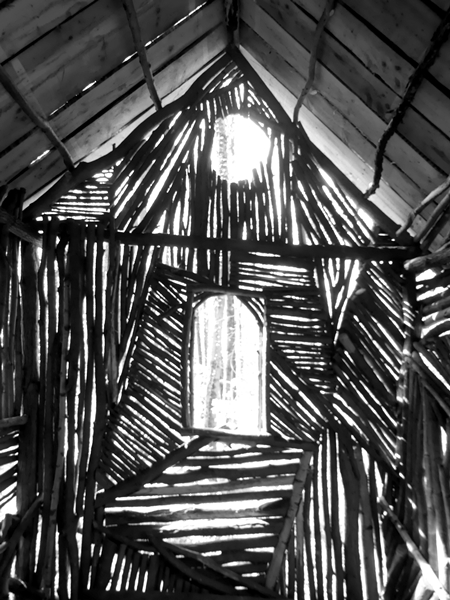
I thought I’d try something different for this challenge. A few weekends ago I went to the Waldkunstweg in Darmstadt, the forest art path. There are art objects made of mostly natural materials on display along a forest ramble. This one is called “Forest House” … Continue reading Twig by Twig

This was the original. This came after Robert’s suggestion: desaturated on a black and white background. Still black and white background but the rose’s colour as in the original. And just for the fun of it – just putting the saturation controller on full. One-to-three … Continue reading A Bouquet of Roses
 pictures imperfect blog